
Start with one small thing
A line about lunch. A thought before bed. Open your journal and write, even when you're offline.
A thought, a photo, a feeling. Give the little moments a home in ONEDiary, and come back to them whenever you like.
Free on Android · Start without an account
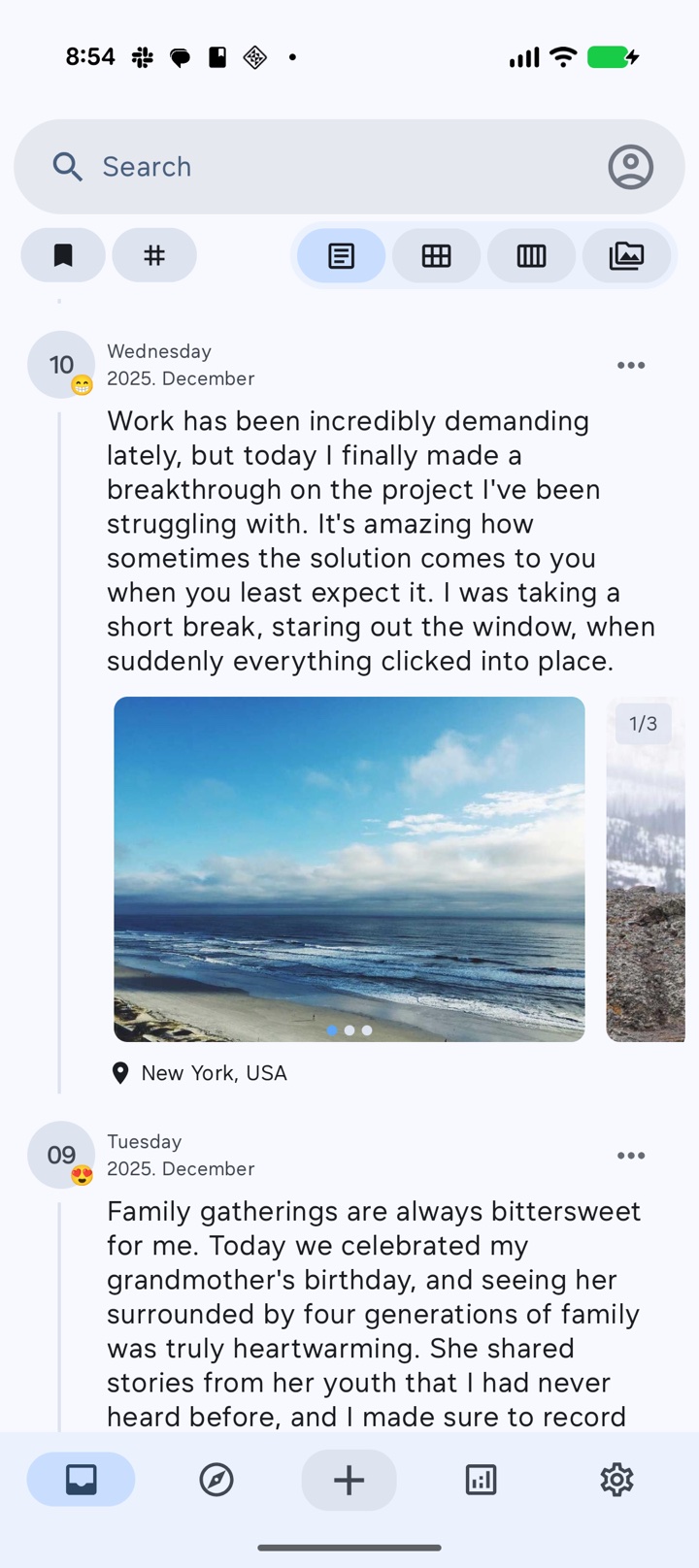
No perfect sentences needed. Just a quiet moment to notice what made today yours.
A line about lunch. A thought before bed. Open your journal and write, even when you're offline.
Add the photo, the place, and the feeling. Little details help bring a day back.
Browse the calendar, search your words, or follow a tag to a moment you want to revisit.
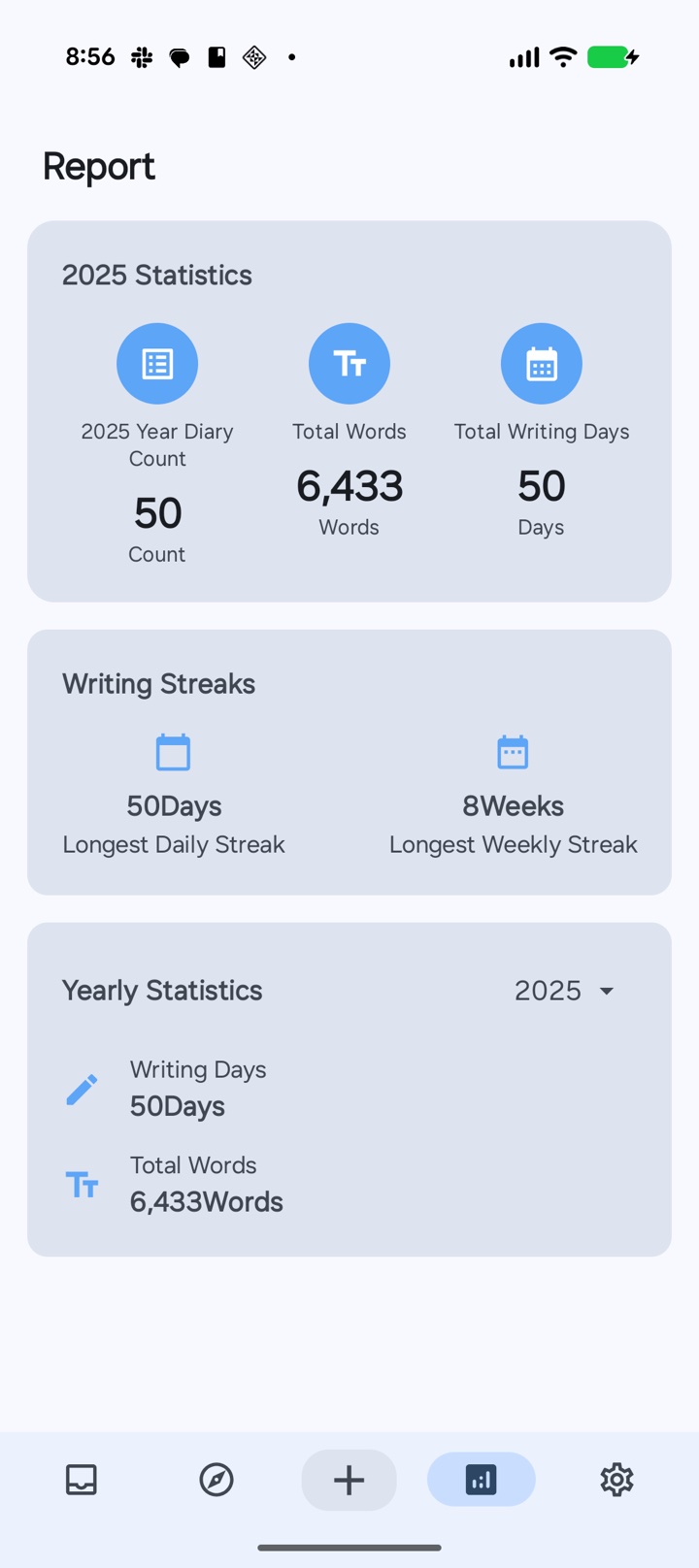
Find your way back
From a quick note to a thoughtful look back, there's room for every kind of day.
Scroll through your entries and find a memory with search.
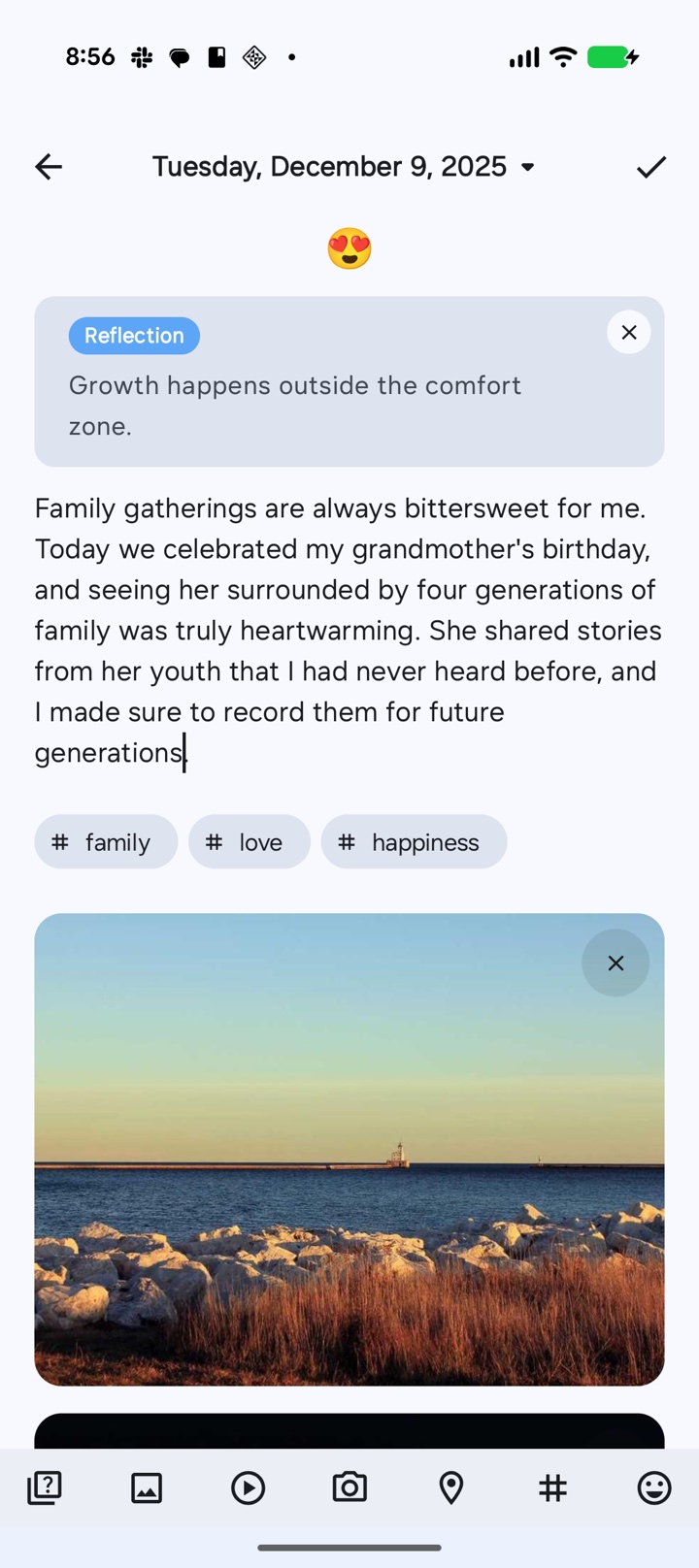
Give a moment its photo, place, mood, and tags.
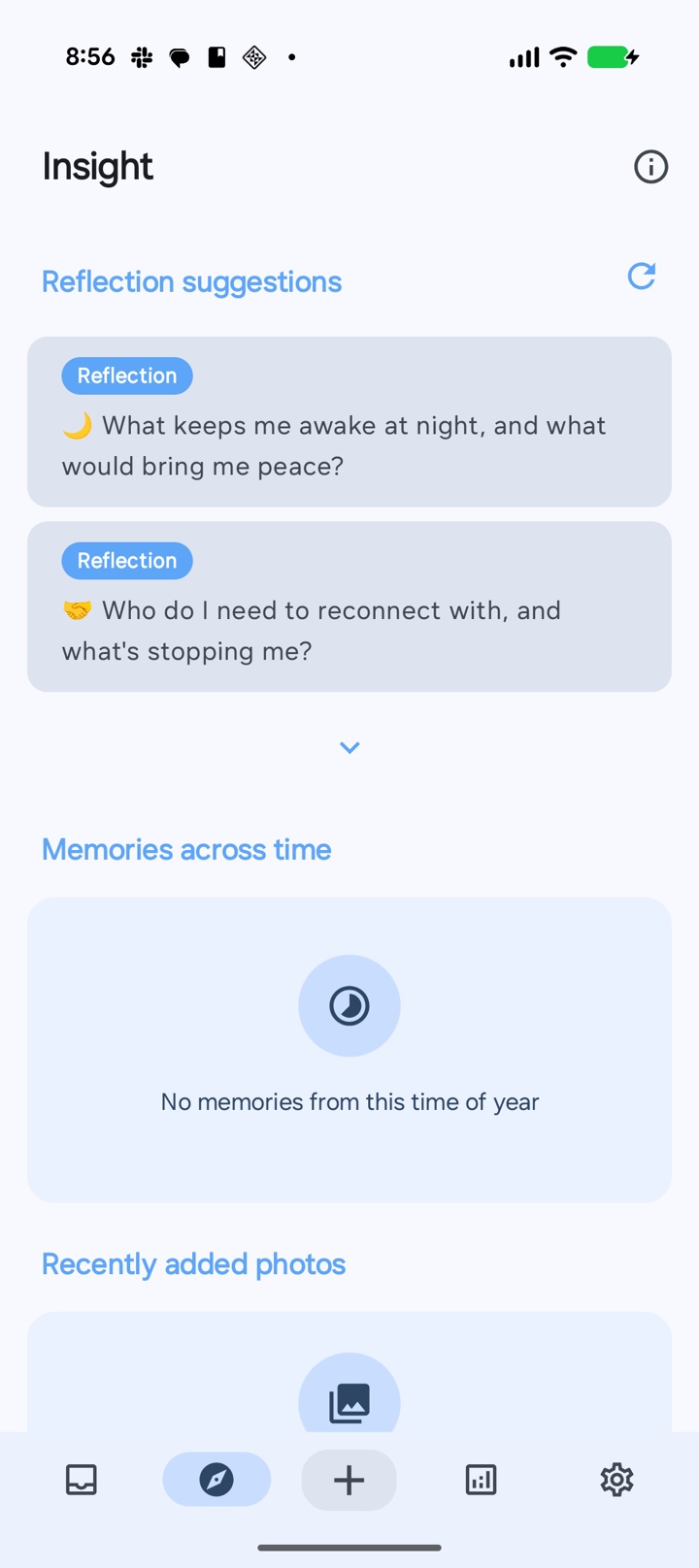
Find a thought to write about, rediscover a memory, or revisit a recent photo.
Explore your writing with optional AI reports and diary chat.
Start with a journal on your device. Choose whether to add sync or AI reflection as you go.
Write and read locally without an account or internet connection.
Sign in and enable Data sync to use your journal across your signed-in devices.
Gemini-powered reports and chat access your diary only with permission. Reports need at least seven entries.
Getting started, writing offline, and making your journal your own.
ONEDiary is an Android journal app by Soosu Studio, Inc. It combines offline writing, photos, places, moods, tags, calendar and search tools, optional cross-device sync, and AI-powered reports and diary chat.
Yes. Writing and reading work on your Android device without an internet connection. Data sync, share links, and AI features require an internet connection.
No account is required for local diary writing. Google sign-in is required when you want to synchronize diary data across signed-in devices.
When you are signed in and Data sync is enabled, ONEDiary automatically synchronizes diary data across your signed-in devices. You can disable Data sync or use Offline mode when you do not want changes sent to synchronization storage.
Offline mode keeps new changes on your device and pauses Firestore synchronization. Pending changes can synchronize after you leave Offline mode while Data sync is enabled.
ONEDiary uses Gemini-powered AI reports and diary chat to identify patterns and support reflection. AI reads diary content only after you allow data access, and a report requires at least seven diary entries.
ONEDiary is free to download from Google Play and contains ads and in-app purchases. Premium options remove ads and unlock additional features.
ONEDiary is available for phones and tablets running Android 10 or later. An iPhone or iPad version is not currently listed.
Open a page. Start with a sentence. The rest can come tomorrow.
Android 10 or later · Free download · Contains ads and in-app purchases